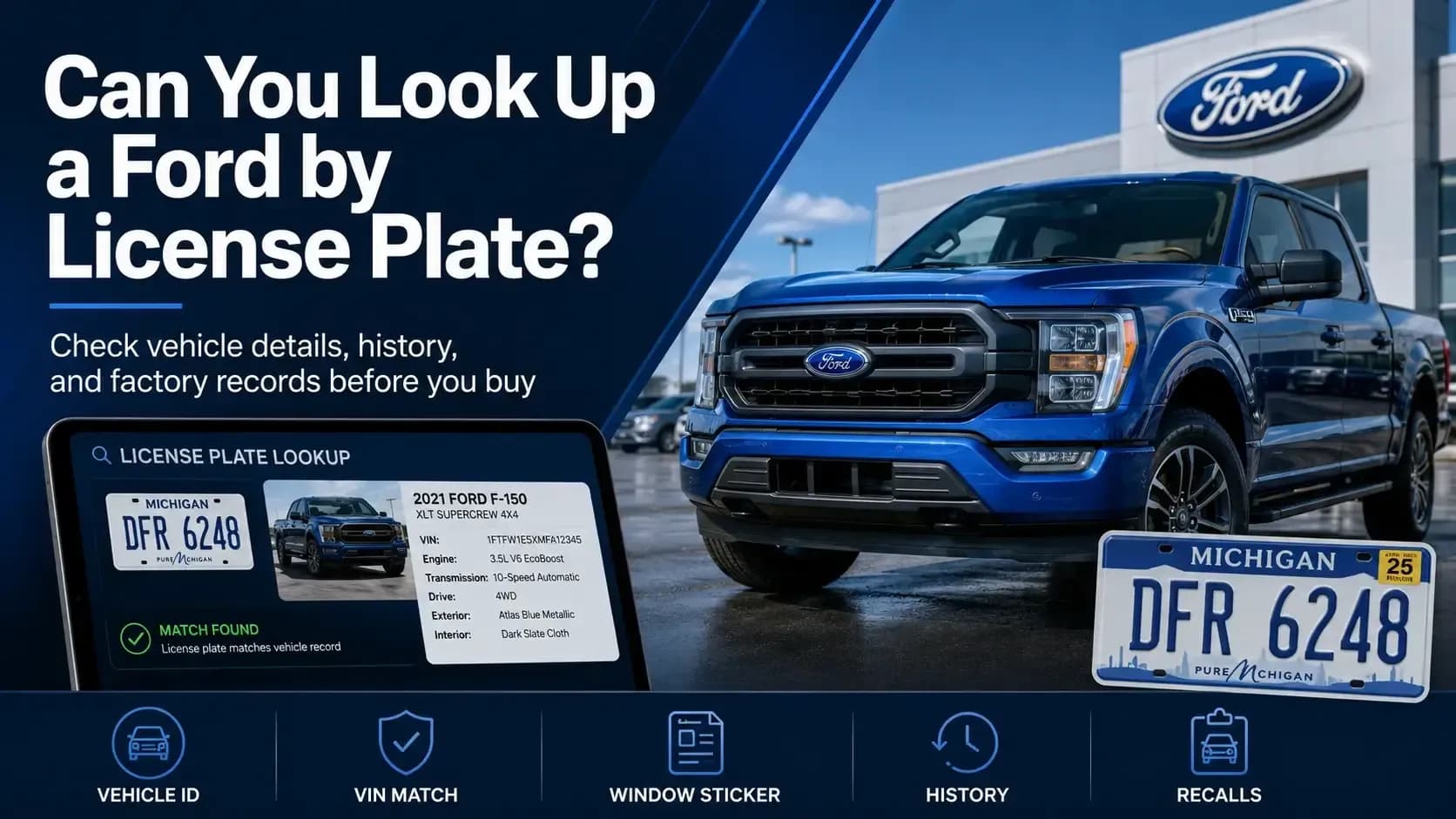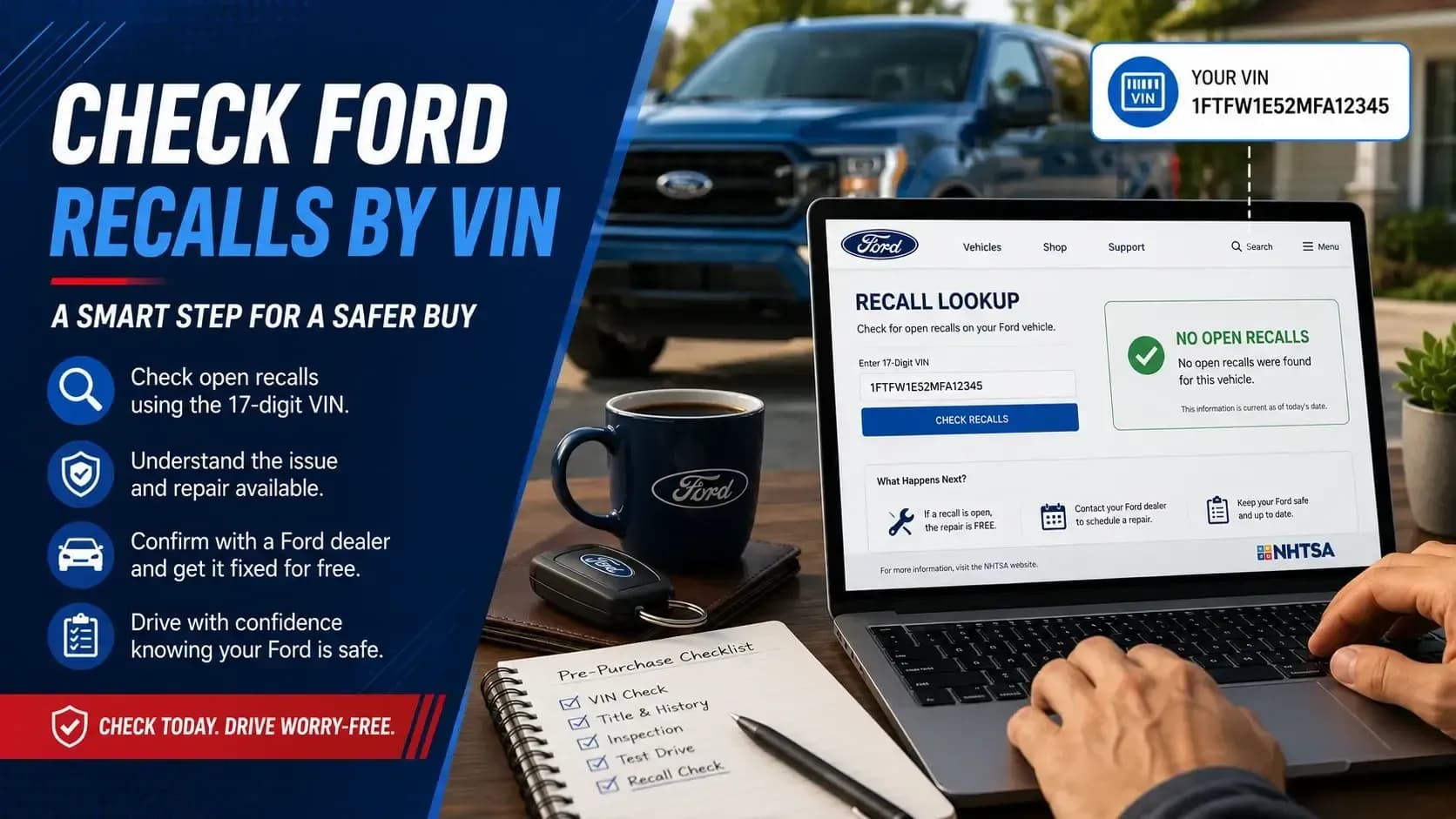
A Ford F-150 VIN check should answer three different questions: What truck is this? How did Ford build it? And what happened after it left the dealership?
Start off by checking your truck using a free Ford VIN Decoder just to establish its basic identity. You can then match the results against its window sticker, history, paperwork, and current state.
That extra work can expose a wrong trim badge, a missing tow package, mileage trouble, or accident damage hidden behind polished paint. For a truck that may tow, haul, commute, and carry the family, a few careful checks are worth the time.
Key Takeaways
- A VIN decoder confirms the F-150’s basic identity and available specifications.
- A window sticker verifies factory trim, packages, colors, equipment, and original pricing.
- A history report may reveal title, accident, mileage, ownership, lien, theft, auction, and service records.
One VIN Can Lead to Several Different Records
The 17-digit VIN works like the truck’s permanent ID. It may reveal the manufacturer, model year, assembly plant, production sequence, and several vehicle attributes.
Still, the VIN alone is not the truck’s full story.
Ford has sold the F-150 in a huge range of engines, cab styles, bed lengths, drivetrains, axle ratios, trims, and packages. A basic decoder may identify the core truck, but it may not list every factory feature.
That is why buyers often need more than one record.
| Record | What It Helps Confirm |
|---|---|
| VIN decoder | Year, model, engine, body style, drivetrain, and available trim data |
| Window sticker | Factory options, packages, colors, MSRP, equipment, and destination charge |
| Vehicle history report | Title, accident, mileage, ownership, lien, theft, auction, and service records |
| Build sheet | Production codes and factory build details, often useful for older trucks |
← Scroll horizontally to see more →
Think of these records as different witnesses. Each one saw a different part of the truck’s life.
Which Ford F-150 Specs Can You Confirm by VIN?
A Ford F-150 specs by VIN search usually confirms the truck’s core identity. The level of detail can vary by model year and data source, so treat the decoder as the first layer of research.
The most useful details usually fall into four groups.
Model Year and Vehicle Identity
The decoder should confirm that the VIN belongs to an F-150 and identify its model year, manufacturer, and available series information.
Engine and Fuel Type
VIN data may show the engine family, displacement, cylinder count, aspiration, or fuel type when those details are available.
Cab, Body, and Drivetrain
The result may identify cab style, body configuration, drive type, and other platform details tied to the specific truck.
Trim or Series
Some decoders show the trim or series, while others return broader information that still needs support from factory records.
This is where buyers need to stay grounded. A decoded Lariat or XLT result is helpful, but it does not prove every wheel, axle, tow package, camera, seat, or technology feature.
The Window Sticker Shows How Ford Built the Truck
The Ford F-150 window sticker by VIN usually provides far more factory detail than a basic decoder. It shows how the truck was configured for retail sale when it was new.
That matters because used-truck listings are often written in shorthand. “Loaded Lariat with tow package” sounds convincing, but it is still a seller’s description. The sticker gives you a factory reference.
Factory Trim and Standard Equipment
The sticker confirms the original trim and lists the standard equipment included with that version of the truck.
Options and Packages
It may show towing equipment, off-road packages, appearance groups, upgraded wheels, axle choices, technology features, and interior upgrades.
Original MSRP and Added Costs
The sticker can list base MSRP, option prices, destination charge, and the total original price of the truck.
Original Colors and Configuration
Factory exterior color, interior trim, wheel design, and equipment groups may also appear on the sticker.
This is the clearest answer to how to check the factory trim level and packages on a Ford F-150. Compare the sticker with the controls, mirrors, wheels, suspension parts, cameras, interior, and towing hardware on the actual truck.
For help understanding each section, read how to read a Ford window sticker.
Vehicle History Explains What Happened After Delivery
The window sticker tells you how Ford built the truck. A Ford F-150 vehicle history report may show what happened after the first owner drove it away.
These records answer a different set of questions. Was the title ever branded? Did the mileage rise in a steady pattern? Was the truck sold at auction? Did it spend time in fleet or commercial service?
A history report may include:
- Title brands such as salvage, rebuilt, flood, junk, or buyback when reported
- Accident records, insurance losses, damage notes, or auction disclosures
- Odometer readings that help reveal possible mileage inconsistencies
- Ownership changes, fleet use, lease use, rental use, or commercial use
- Lien, theft, registration, service, and sales records when available
No report captures every parking-lot scrape or backyard repair. A truck with a clean report may still have unreported bodywork. A truck with a reported accident may have been repaired correctly.
That is why the report should support the inspection, not replace it. The guide to vehicle history report vs window sticker explains what each document can and cannot tell you.
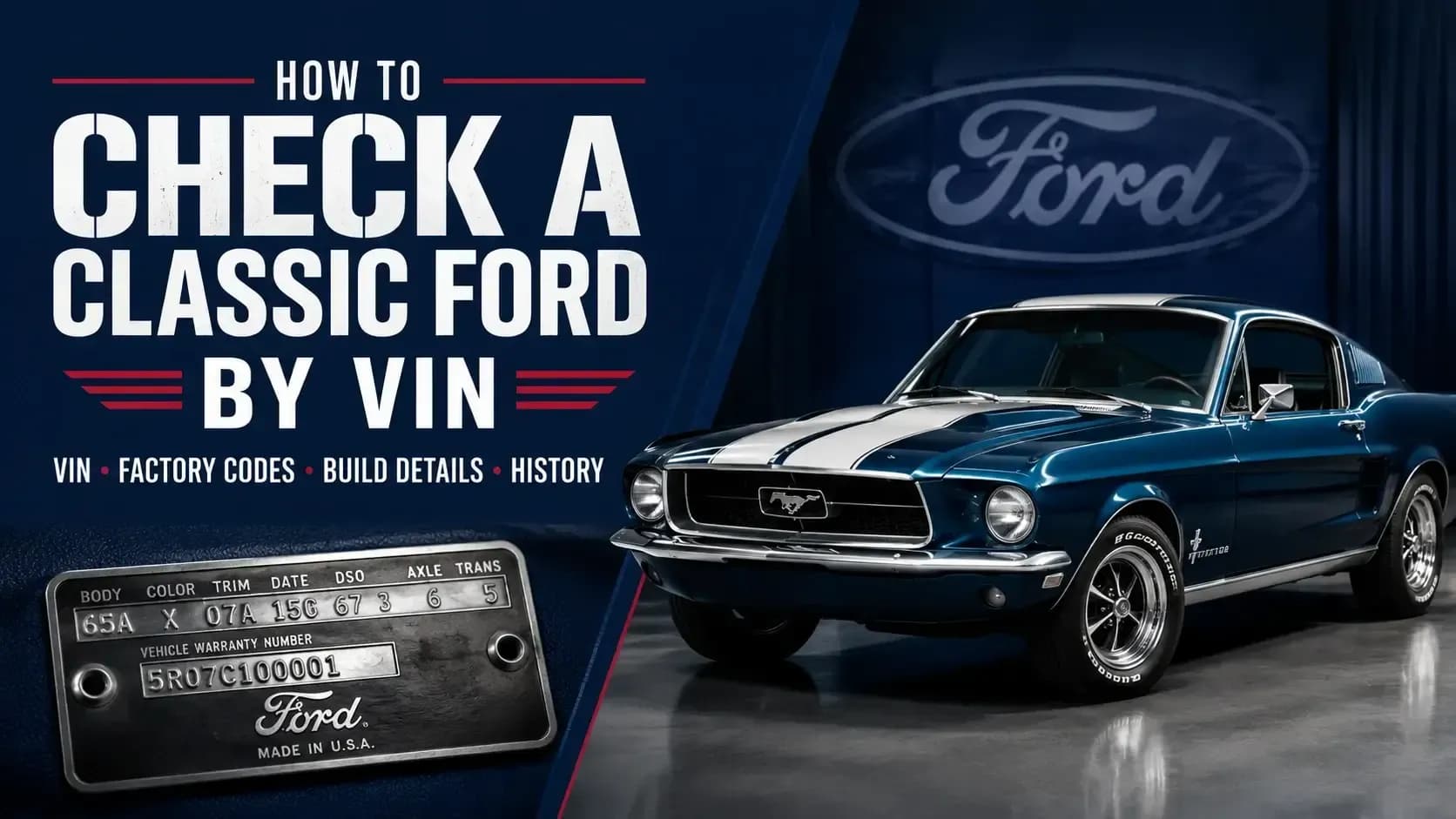
A Ford F-150 build sheet VIN search may provide production codes, axle data, assembly details, trim information, and factory option codes when records are available.
It is not the same as a retail window sticker.
The window sticker was created for the buyer and presents equipment and pricing in a readable format. The build sheet is closer to a production record.
For most modern used F-150s, begin with the decoder, window sticker, history report, and physical inspection. A build sheet becomes more useful for classic trucks, restorations, rare configurations, or authenticity research.
How Do You Run a Complete Ford F-150 VIN Check?
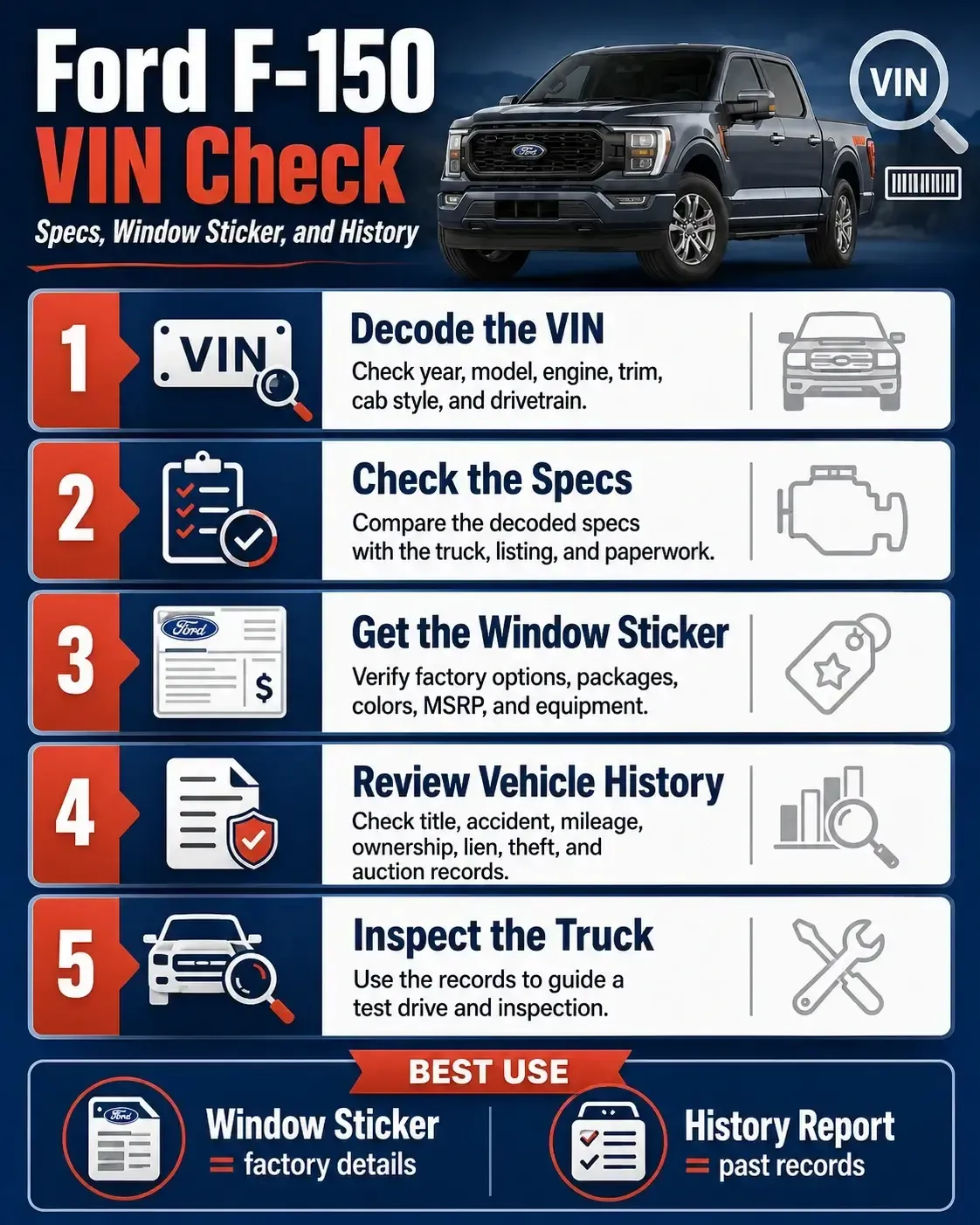
A complete Ford F-150 VIN check starts with one VIN entry. The free decoder returns the truck’s available specifications so you can confirm that the vehicle matches its listing and paperwork.
After checking the basic specs, choose the paid record that answers your next question. The window sticker verifies original factory configuration, while the vehicle history report checks what may have happened after the truck was sold.
Enter the 17-Digit VIN
Use the free Ford VIN decoder to identify the F-150 and retrieve its available vehicle specifications.
Match the Decoded Specifications
Compare the year, model, trim, engine, body style, drivetrain, and other available specs with the truck and seller’s listing.
Choose the Window Sticker for Factory Details
Get the paid window sticker when you need original trim, packages, options, colors, MSRP, equipment, and destination-charge information.
Choose the History Report for Past Records
Get the paid vehicle history report when you need title, accident, mileage, ownership, lien, theft, auction, and service records.
Compare the Records With the Truck
Check whether the decoded specs, factory configuration, history records, paperwork, seller claims, and physical equipment tell a consistent story.
Inspect and Test-Drive the F-150
Use the records to guide an independent inspection and test drive, with extra attention to any mismatch, damage entry, or modified equipment.
For an F-150 with unclear equipment or package claims, the paid window sticker is usually the next step. For a truck with uncertain ownership, mileage, accident, or title history, the paid history report is the better choice. Many used-truck buyers need both because the two reports answer different questions.
Mismatches That Deserve a Closer Look
A mismatch does not always mean fraud. F-150s are modified constantly. Wheels, grilles, tow mirrors, running boards, suspension parts, lights, and tailgates are often replaced.
Still, some differences deserve an explanation before you make an offer.
⚠️ Incorrect Trim Badging
A premium badge on a lower-trim VIN may indicate cosmetic changes, replacement body panels, or an inaccurate sales listing.
⚠️ Missing Factory Packages
A claimed factory tow or off-road package should appear in the sticker data or available factory records.
⚠️ Conflicting Mileage Records
Mileage that drops between title, service, auction, or registration entries may indicate an error or possible odometer trouble.
⚠️ Unexplained Equipment Changes
Different wheels, suspension parts, mirrors, seats, or electronics should match the seller’s story and installation records.
Aftermarket parts can add value. They can also hide wear, wiring trouble, poor installation, or a story nobody wants to inherit.
Honestly, a modified truck is not automatically a bad truck. The problem begins when the seller cannot explain what changed, who performed the work, or why the records disagree.
Check the F-150’s Identity Before Judging the Deal
A clean-looking F-150 can still carry the wrong trim description, missing factory equipment, accident history, mileage trouble, or paperwork problems. Meanwhile, a higher-mileage truck with clear records and careful maintenance may be the better buy.
Start with the VIN. Confirm the specs. Review the factory sticker. Check the history. Then inspect the truck itself.
When you are ready to verify its original configuration, get the Ford F-150 window sticker by VIN. It can help you compare the seller’s claims with the equipment and pricing Ford listed when the truck was new.
Frequently Asked Questions
Can a Ford F-150 VIN tell me the exact trim?
It may identify the trim or series, depending on the model year and available data. Use the original window sticker to confirm factory packages and equipment.
How do I get the original Ford F-150 window sticker by VIN?
Enter the 17-digit VIN into a Ford window sticker lookup. Available stickers may show MSRP, standard equipment, options, packages, colors, and destination charges.
Does an F-150 VIN show the factory towing package?
A basic decoder may not confirm the full towing package. The window sticker or available factory build information is better for checking towing equipment.
Is a window sticker the same as a vehicle history report?
No. A window sticker shows original factory equipment and pricing. A history report may show title, accident, mileage, ownership, lien, theft, auction, and service records.
Should I get a build sheet for a used F-150?
It can help with classic, restored, collectible, or unusual trucks. For most modern F-150s, the window sticker is easier to read and more useful.
What should I do if the VIN details do not match the truck?
Pause the purchase and compare the title, registration, door label, window sticker, history records, and physical equipment before making an offer.